
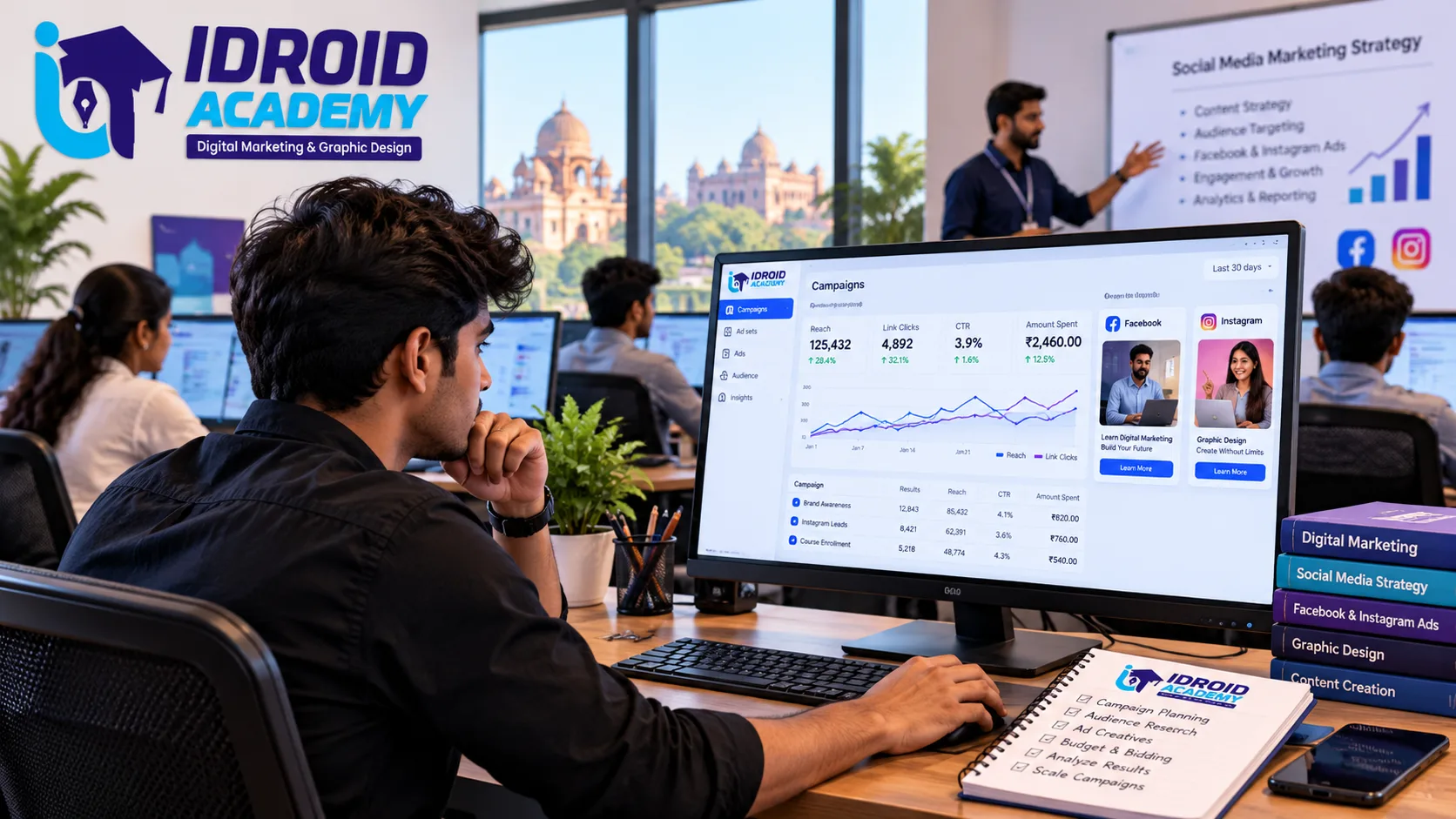
If you have ever wondered how brands seem to know exactly what to show you on Instagram, the answer is Meta Ads Manager, the advertising engine behind both Facebook and Instagram. Learning to use it properly is one of the most in-demand skills inside digital marketing right now, and this guide walks through exactly how it works, what an instagram marketing full course actually needs to cover, and how to build real, hireable skill with it.
What Is Meta Ads Manager
Meta Ads Manager is the centralized platform used to create, manage, and analyze paid advertising campaigns across Facebook, Instagram, Messenger, and the Meta Audience Network. It replaced the older Facebook Ads Manager as Meta consolidated its advertising tools, and it now serves as the single control center for running ads on both Facebook and Instagram from one account.
Everything in Meta Ads Manager runs through a business account setup: you create a Meta Business Manager account, add an ad account under it, connect a Facebook Page and Instagram profile, and set up billing before you can launch any campaign. This structure matters because it also determines who on a team can access and manage the ads, which is relevant once you are working with client accounts rather than your own.
How Meta Ads Campaigns Are Structured
Every Meta Ads campaign is built across three levels, and understanding this structure is the foundation everything else builds on:
Campaign level. This is where you choose your advertising objective, the outcome you actually want, which determines how Meta optimizes and delivers your ads from here on.
Ad Set level. Within a campaign, ad sets define who sees the ad, your audience targeting, budget, schedule, and placements (Facebook feed, Instagram feed, Stories, Reels, and so on).
Ad level. This is the actual creative the user sees, the image or video, the headline, the caption, and the call-to-action button.
A single campaign can hold multiple ad sets, and each ad set can hold multiple ads, which is how advertisers test different audiences and creatives against each other without building an entirely new campaign each time.
Meta Ads Objectives Explained
Meta groups campaign objectives into three broad categories, each suited to a different stage of the customer's decision-making process:
Awareness objectives (Brand Awareness, Reach) are built to introduce your business to as many relevant people as possible. These work best early on, when the goal is visibility rather than an immediate action.
Consideration objectives (Traffic, Engagement, App Installs, Video Views, Lead Generation) push people to take a smaller, earlier step, visiting your website, engaging with a post, or submitting their contact details.
Conversion objectives (Sales, specific on-site actions) are built for the bottom of the funnel, where Meta optimizes delivery toward people most likely to actually complete a purchase or a defined action. This typically requires the Meta Pixel or Conversions API to be set up on your website so Meta can track what happens after the click.
Choosing the wrong objective for your actual goal, running an Awareness campaign when you really want sales, for instance, is one of the most common ways beginners waste ad spend without realizing it.
Instagram Marketing Full Course: What It Actually Covers
Since Instagram runs through the same Meta Ads Manager as Facebook, a genuine instagram marketing full course needs to go beyond just posting reels and hashtags. A complete curriculum should realistically include:
- Organic Instagram strategy, covering content planning, Reels, Stories, and profile optimization.
- Meta Business Manager and Ads Manager setup, including connecting an Instagram profile and Facebook Page to run ads.
- Campaign structure and objectives, understanding how campaigns, ad sets, and ads work together.
- Audience targeting, including demographics, interests, behaviors, and custom or lookalike audiences built from existing customer data.
- Creative and ad copywriting, since Instagram is a highly visual platform where creative quality directly affects performance.
- Analytics and reporting, reading metrics like reach, engagement rate, cost per result, and return on ad spend to judge what is actually working.
A course that only teaches organic posting without touching Meta Ads Manager leaves out the paid advertising half of what businesses actually hire for.
Step-by-Step: Setting Up Your First Meta Ads Campaign
1. Set up your Meta Business Manager account. Go to business.facebook.com, create a business account, and verify your email.
2. Create an ad account. Inside Business Settings, add a new ad account, naming it clearly and setting the correct time zone and currency, since these cannot be changed later without starting a new account.
3. Connect your Facebook Page and Instagram account. Both need to be linked to your Business Manager so your ads can run under your actual brand presence rather than a generic account.
4. Add a payment method. You will need to set up billing under Billing & Payments before any campaign can go live.
5. Choose your campaign objective. Pick based on what you actually want, awareness, traffic, engagement, leads, or sales, since this decision shapes everything Meta does with your budget from here.
6. Set up your ad set. Define your target audience, daily or lifetime budget, schedule, and where your ad should appear, Facebook, Instagram, or both.
7. Build your ad creative. Upload your image or video, write your caption and call-to-action, and preview how it will look across different placements before publishing.
8. Set up the Meta Pixel if you are optimizing for conversions. This tracks what happens on your website after someone clicks your ad, which is essential if your objective is sales or leads.
Common Mistakes to Avoid
Boosting posts instead of running structured campaigns. The "Boost Post" button skips a lot of the targeting and objective control that proper campaign setup gives you.
Targeting too broadly or too narrowly. An audience that is too broad wastes spend on irrelevant people, while one that is too narrow limits Meta's ability to find enough of the right people to optimize delivery.
Ignoring creative fatigue. The same ad shown repeatedly to the same audience loses effectiveness over time, so refreshing creative regularly matters more on Instagram than on most other channels.
Skipping the Pixel setup. Without it, conversion-focused campaigns have no way to confirm which ads are actually driving sales or leads.
Meta Ads vs Google Ads: Which Should You Learn First
Meta Ads (Facebook and Instagram) and Google Ads serve different intents. Google Ads reaches people actively searching for something, which makes it strong for capturing existing demand. Meta Ads reaches people based on interests and behavior while they are browsing, which makes it stronger for building awareness and reaching audiences who were not already looking for you. Neither replaces the other, and most complete digital marketing skill sets eventually cover both, though many beginners find Meta Ads slightly more approachable to start with, since the visual, audience-based targeting is easier to experiment with than keyword-based search intent.
Where to Learn Meta Ads and Instagram Marketing Properly
Running a Meta Ads campaign well takes practice on live accounts, not just reading through the interface once. iDroid Academy's Social Media Marketing course in Bhopal covers platform strategy, content planning, social media advertising, community management, and analytics and reporting, using tools including Meta Business Suite, Instagram and Facebook Ads Manager, and Canva, taught on live client and brand accounts rather than theory alone.
Since Meta Ads works best alongside a broader digital marketing skill set, understanding SEO, Google Ads, and analytics together, it is also worth looking at the academy's Digital Marketing course, which covers the full picture of how paid social fits alongside search and content marketing.
Frequently Asked Questions
Is a Meta Ads full course worth it in 2026, or can I learn it for free?
Meta's own interface and help documentation are free to use, but a structured course helps you avoid the common targeting and budgeting mistakes that quietly waste ad spend, and gives you practice on live campaigns rather than just your own small test budget.
Do I need a large budget to start learning Meta Ads?
No. You can start with a small daily budget while learning, since the goal early on is understanding how targeting, objectives, and creative affect performance, not scaling spend immediately.
Is Instagram marketing the same as running Meta Ads?
Not entirely. Instagram marketing includes organic content and community management alongside paid advertising, while Meta Ads specifically refers to the paid campaigns run through Ads Manager across Facebook and Instagram together.
Can I run Meta Ads without technical or coding skills?
Yes. Setting up and managing Meta Ads campaigns does not require coding. Comfort with reading performance data and testing different creatives and audiences matters more than technical skill.
Build Real Meta Ads Skills
If you want to run Facebook and Instagram ad campaigns with actual confidence rather than guesswork, iDroid Academy's Social Media Marketing course in MP Nagar, Bhopal is built around live brand accounts from day one. You can call the academy at +91 9589674037, write to info@idroidacademy.com, or book a free demo session to see how the course is structured before you enroll.